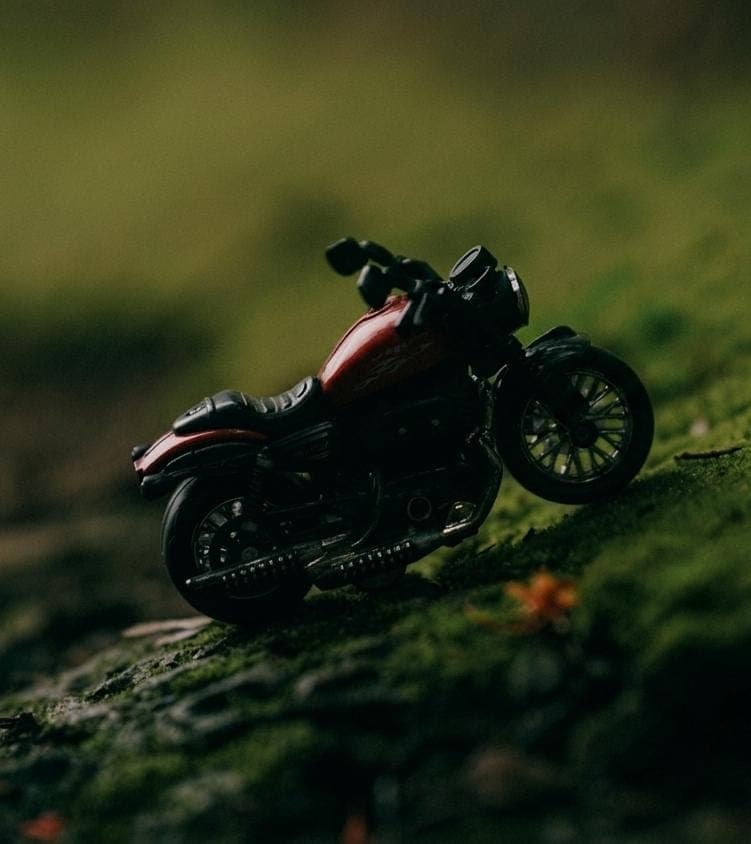
Deep Green Prompt
Transform any image into a rich cinematic deep-green masterpiece with lush natural tones, atmospheric depth, dramatic shadows, and premium realistic color grading while preserving the original subject and composition.
Compatible With
Ready to Generate?
Copy the prompt and paste it into your favourite AI tool.
📄 Prompt
Ready to CopyTransform the uploaded photograph into a deep, moody, cinematic forest-green color grade. PRESERVE THE ORIGINAL IMAGE EXACTLY. Do not change, regenerate, replace, remove, add, or reconstruct any subject, object, background, facial features, skin texture, clothing, pose, composition, framing, perspective, or details. Apply ONLY color grading, tonal adjustment, contrast, and subtle photographic finishing. Create a dark, rich, atmospheric green aesthetic inspired by deep tropical rainforest photography. Push the overall palette toward deep forest green, dark moss green, muted olive, and subtle earthy green-brown tones. Make the shadows deep and slightly cool with rich dark green-black tones. Keep the blacks dense and cinematic without completely crushing important details. Make midtones subdued, earthy, and slightly desaturated. Preserve selected highlights with a soft muted olive-green or subtle warm-green glow, creating separation without making the image bright. Use a cinematic S-curve with: • Deep, controlled shadows • Slightly lifted dark tones where appropriate • Rich but subdued midtones • Soft highlight roll-off • Strong tonal depth • Low-to-moderate overall saturation Reduce bright or artificial colors and eliminate excessive yellow, blue, and red saturation. Greens should dominate the image but remain natural, sophisticated, and slightly desaturated rather than neon. Create a subtle cool-green shadow / muted olive highlight color separation. Add realistic atmospheric depth and a dark editorial mood while maintaining all original photographic details. Apply a very subtle matte film character, delicate fine film grain, gentle highlight diffusion, and smooth tonal transitions. Keep textures crisp and realistic, especially natural surfaces such as leaves, skin, fabric, wood, and water droplets. FINAL LOOK: Dark moody rainforest photography, deep forest greens, muted olive tones, rich green-black shadows, subdued saturation, cinematic contrast, soft highlights, earthy tones, subtle film grain, premium editorial color grading, atmospheric and mysterious, natural photographic realism. AVOID: Neon green, oversaturation, excessive teal, orange-and-teal grading, crushed details, artificial HDR, excessive haze, heavy bloom, plastic skin, fake lighting, color banding, excessive sharpening, or altering any part of the original photograph. The result should look like a professionally color-graded high-end cinematic photograph with a dark, luxurious, deep-green editorial aesthetic.
🚀 How to Use
Open Your AI Tool
Launch ChatGPT, GPT Image, Gemini, Flux, Midjourney or any supported AI platform.
Upload Your Image
If the prompt requires an image, upload your original photo before pasting the prompt.
Copy & Paste
Use the Copy Prompt button above and paste the prompt into the AI tool.
Generate & Enjoy
Generate your image, experiment with small adjustments and create amazing visuals.
Related Prompts
View All →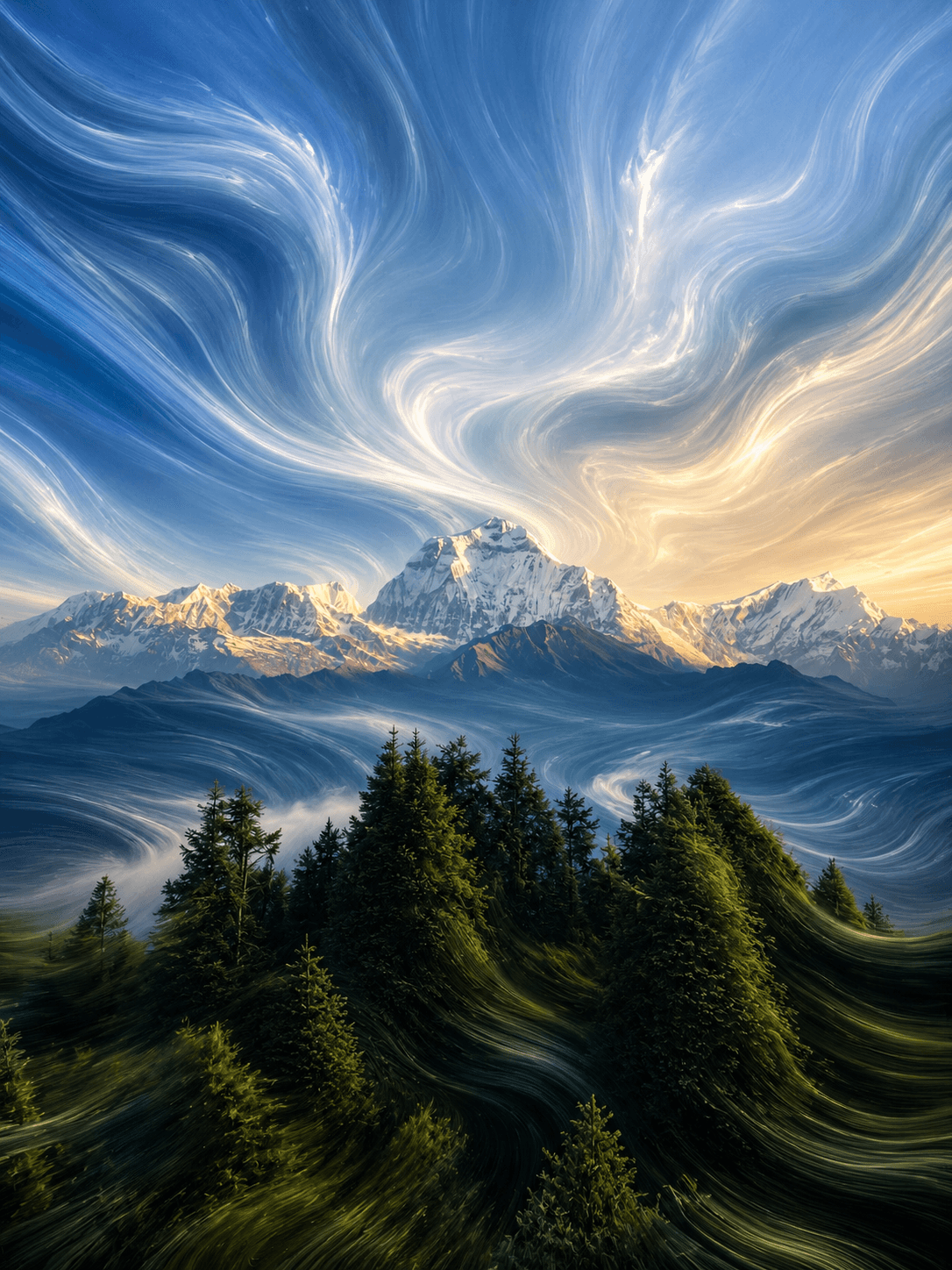
Fluid Pixel Stretch
Transform any image into a premium ultra-realistic Fluid Pixel Stretch artwork.
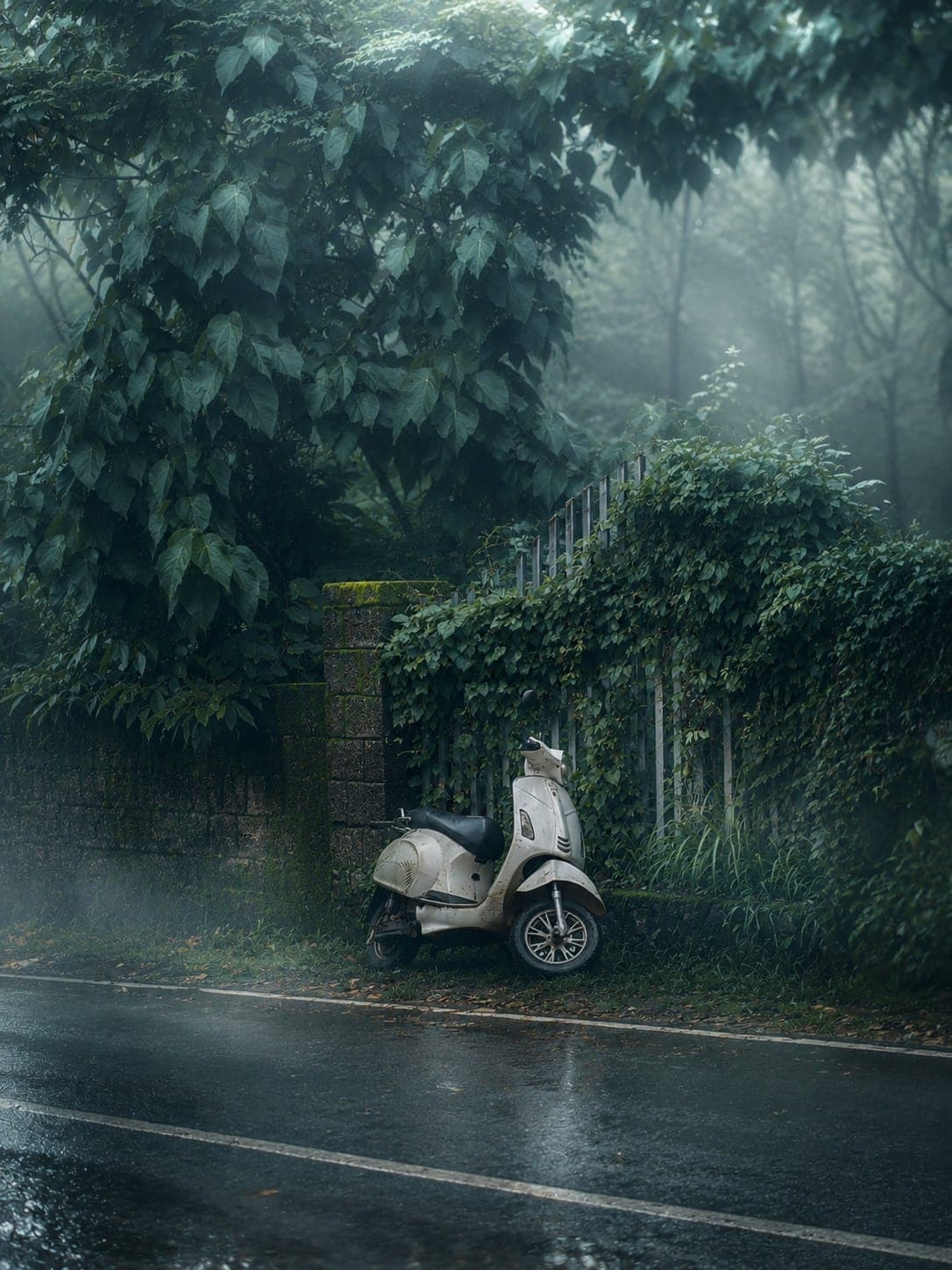
Misty Atmosphere
Create dreamy cinematic mist and fog effects while preserving the subject.
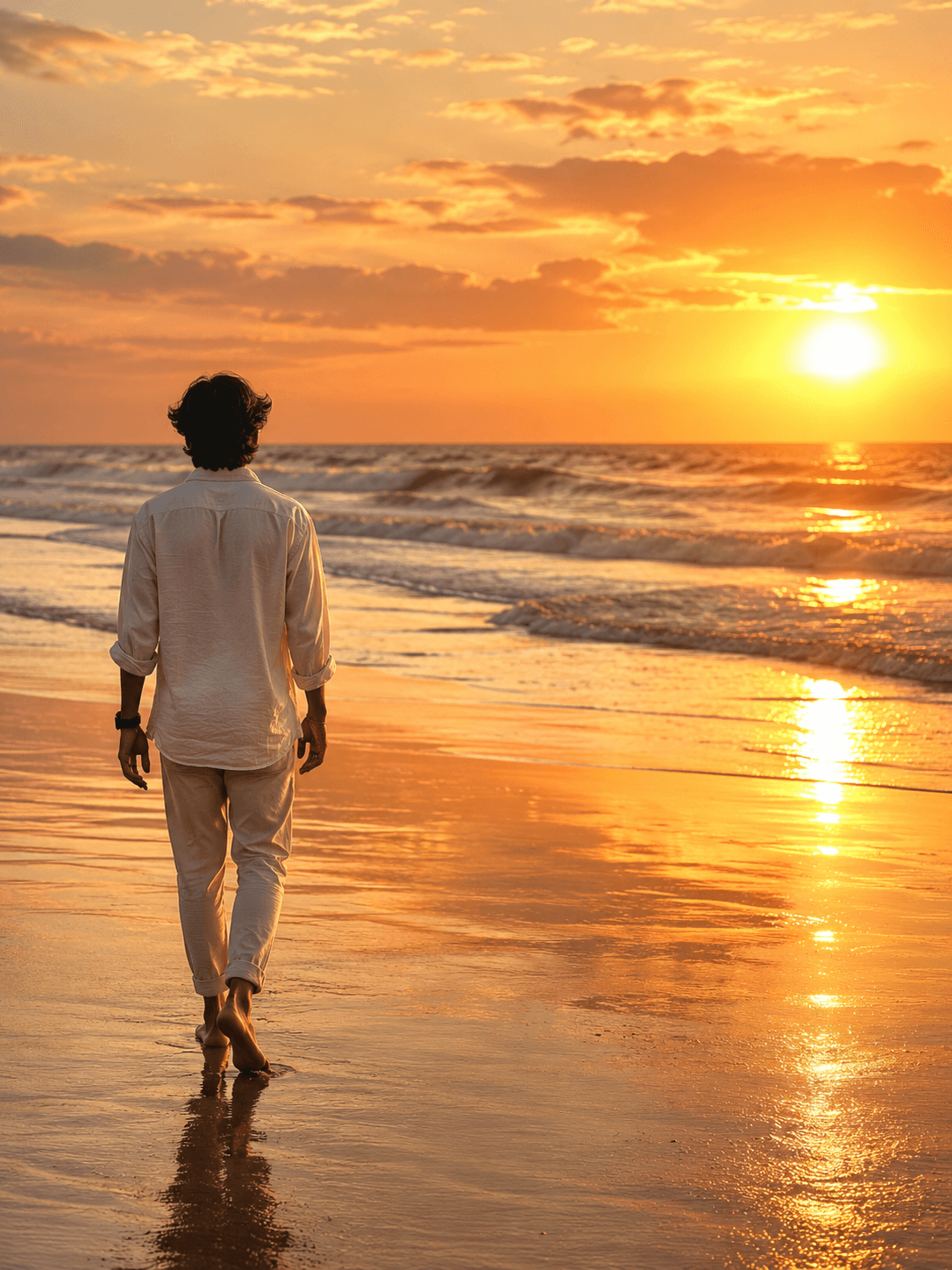
Golden Sunset
Transform any photo into a premium ultra-realistic Golden Sunset masterpiece while preserving the main subject perfectly.
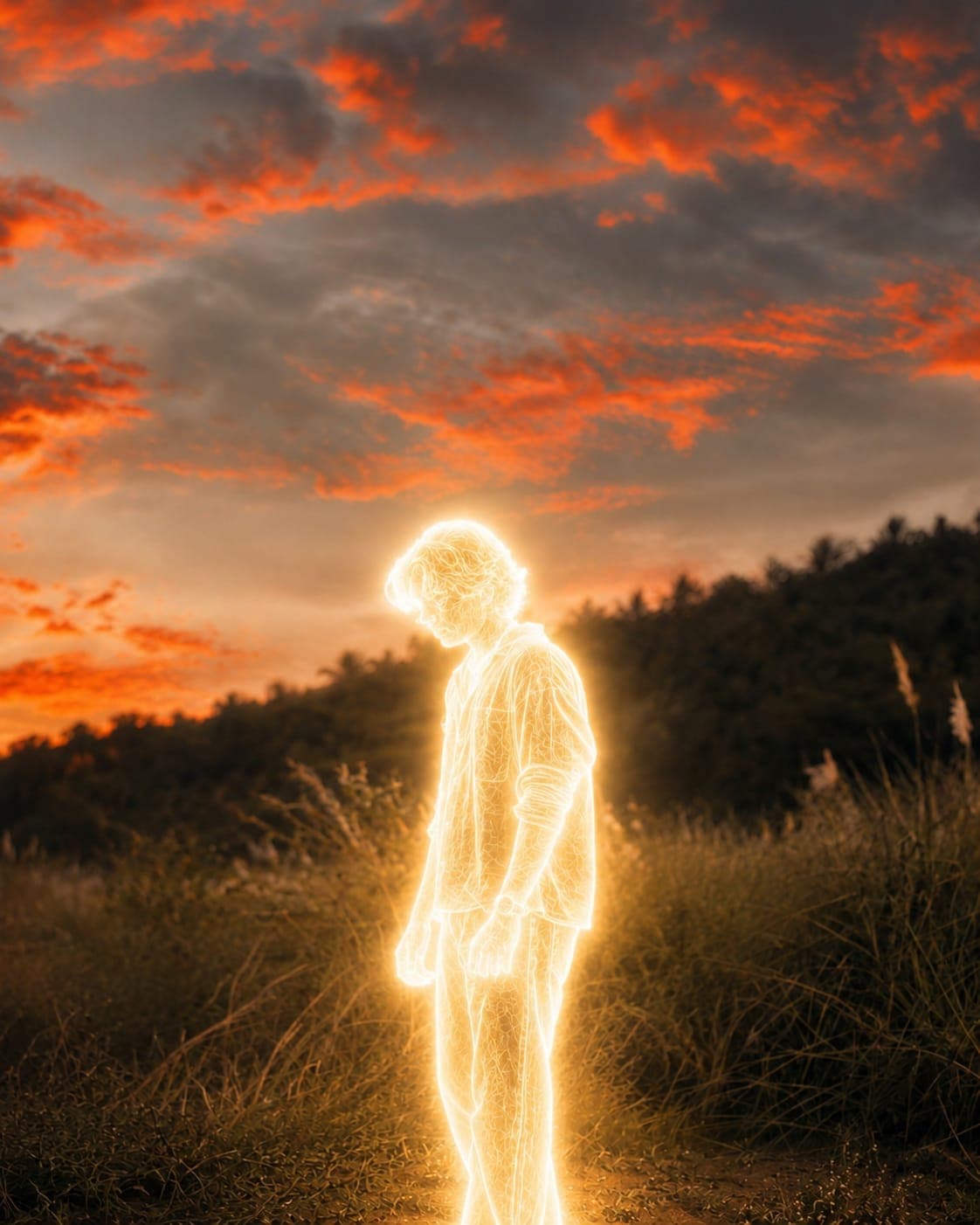
Lumina Prompt
Write a short one-line description for the Lumina effect.
Discover More Professional AI Prompts
Explore our growing collection of premium prompts for photography, cinematic edits, creative visuals, AI art and much more.